
If you have a Python based trading strategy, you now need to connect it to a MetaTrader account, all while not using a Windows terminal.
MetaTrader5 Python will communicate with an MT5 terminal. This is not a general purpose hosted API solution.
FxSocket allows you to use both MT4 and MT5 through a single hosted API solution. This comparison also covers MetaApi, API2Trade and mtapi.io which all provide similar solutions but focus on certain aspects of integration or deployment.
Overview
| Provider | Ideal For | Supports | API |
| FxSocket | Working with multiple MT4 and MT5 accounts in your application | MT4 and MT5 across all plans | Cloud hosted terminal per account, REST and WebSockets |
| MetaApi | Building applications around these extra developer features | MT4 and MT5 | Cloud REST API and Socket.io streams |
| API2Trade | API access to MT4 or MT5 accounts with tiered limits | MT4 or MT5, combined plans for MT4+MT5 | v2 API provides dedicated account terminal, REST and WebSockets |
| mtapi.io | Checking out different API options | Separate MT4 and MT5 APIs | REST, WebSockets and docker options to try |
The difference comes down to how many accounts you need to work with in your application.
1. FxSocket – Best overall hosted API for MT4 and MT5
FxSocket hosts MetaTrader terminals and provides you with REST API endpoints and WebSocket streams to interact with the accounts connected to those terminals. Every account will be given its own dedicated terminal. You can use their API with any programming language, such as Python, Node, Go etc.
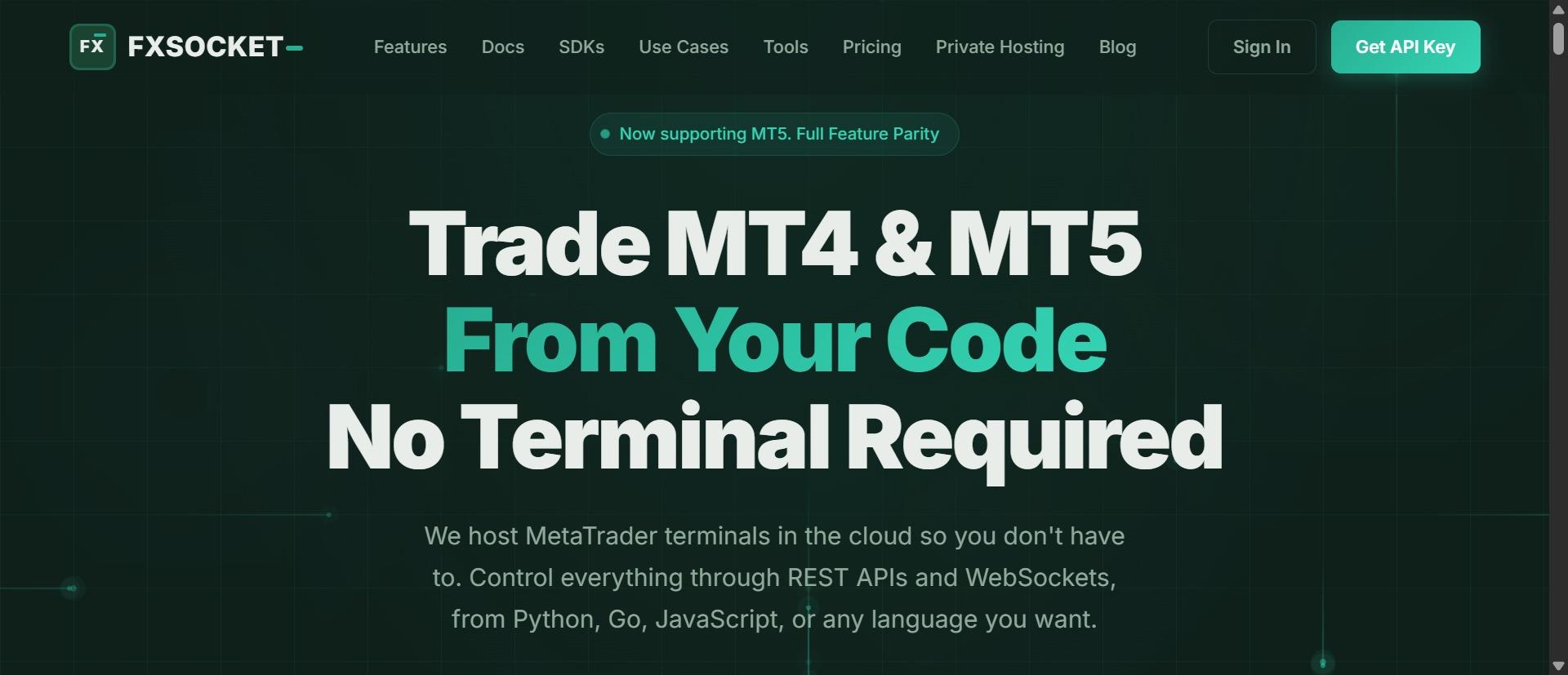
Which means you don’t need to keep a Windows machine with MetaTrader installed to access your account(s).
Here are some things that make it stand out from other MT4 and MT5 APIs.
- Supports over 9,000 broker servers on MT4 and MT5, with both demo and live accounts.
- Get account information like balance, equity, open positions, open orders, trade history, symbol information, prices, etc…
- Historical candlesticks include spread info, which is helpful if you want to collect data for a project.
- SDKs for Python and Node and a public OpenAPI spec if you want to write your own client for another language.
- Named API keys that can be tied to accounts and set to read-only, which is great if you want to pull account data for a dashboard.
When you have multiple accounts, you can send orders to multiple MT4 and MT5 accounts in a single request. If you require a private instance, they will host a server with a static IP address for you to whitelist in your network.
Why does having a dedicated terminal matter? When using FxSocket, each account you connect has its own terminal. Customers won’t be sharing terminals with each other. You still have control over your account, your code just runs outside of MetaTrader.
So if you wanted to give a dashboard application read-only access to your MT4/MT5 accounts, you can create a named key scoped to those accounts. There is also a Read-only MCP server to allow AI agents to interact with your account data and market data.
Pricing starts at €12/month per trading account, with higher account packages and private instances being priced differently. Remember you are paying for the API, not a broker, so you will still need to fund your account with your broker.
Conclusion: If you are looking for a MT4 and MT5 API, FxSocket is the best place to start. They provide easy to use web APIs, dedicated terminals for your accounts and you can expand your application to use additional MT4 and MT5 accounts under the applicable pricing plan.
2. MetaApi – Good selection of MetaTrader developer features
MetaApi allows you to access MT4 and MT5 accounts in the cloud using REST and a Socket.io stream API. Similar to FxSocket, you can get account information, trade history, prices and place trades on your behalf.
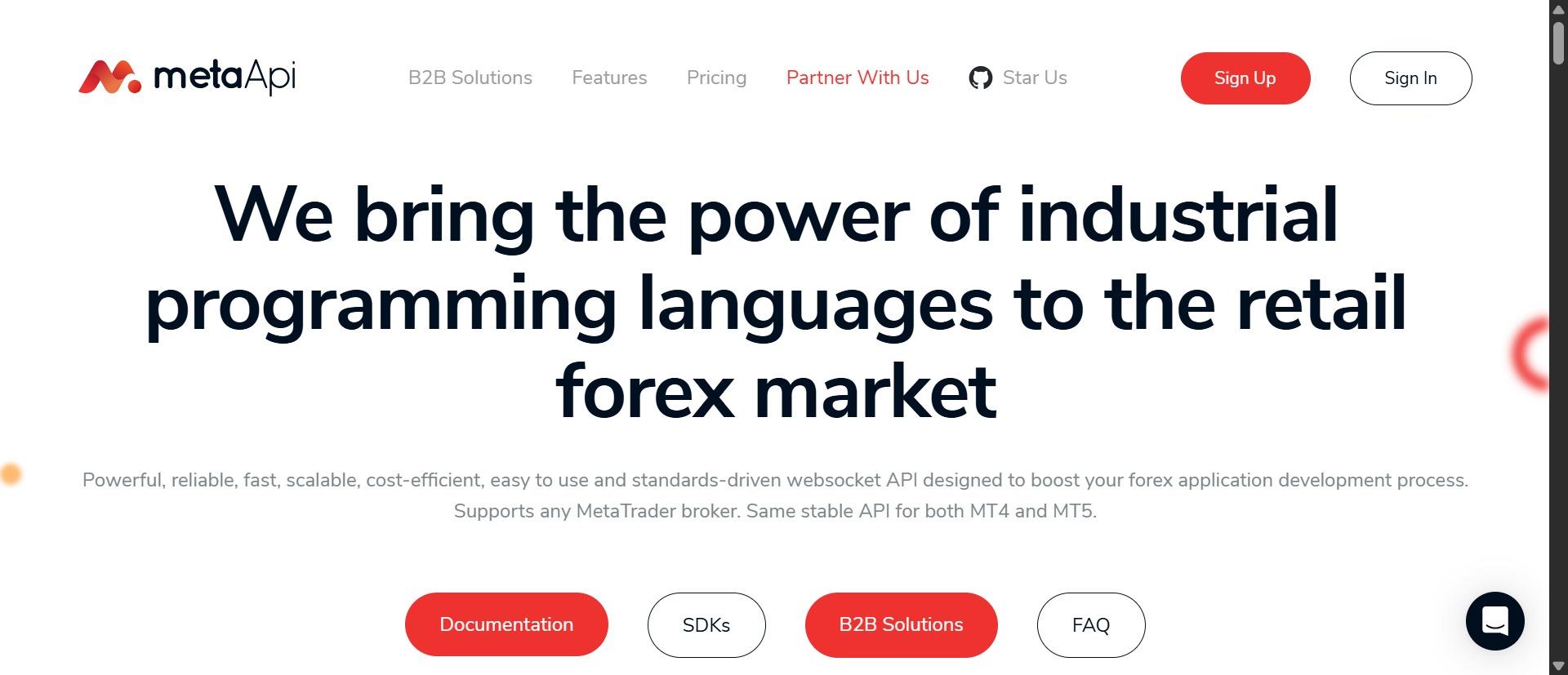
What sets them apart is that they offer additional services. You can view their products, some of which are related to trading statistics, MetaTrader account management and other developer features you may need in your application.
If your application requires more than just a connection to your trading account, MetaApi is worth checking out. You can build on top of these products to save time developing your own features.
- They have sample code for Python, JS and Java in their docs.
- Stream quotes and account data, plus get historical data through their API.
- Can deploy in different regions and offer enterprise features.
The downside to MetaApi is they charge for usage on top of their subscription plans. Depending on how much you use the API, you can expect to pay more each month. If you know how much you plan to use their services, MetaApi could be a good fit for you.
3. API2Trade – More account based pricing options
API2Trade gives you access to MT4 and MT5 via their REST and WebSocket APIs. Their latest v2 documentation states they provide you with a dedicated terminal for each account, with their previous v1 API still available which used shared pools of accounts.
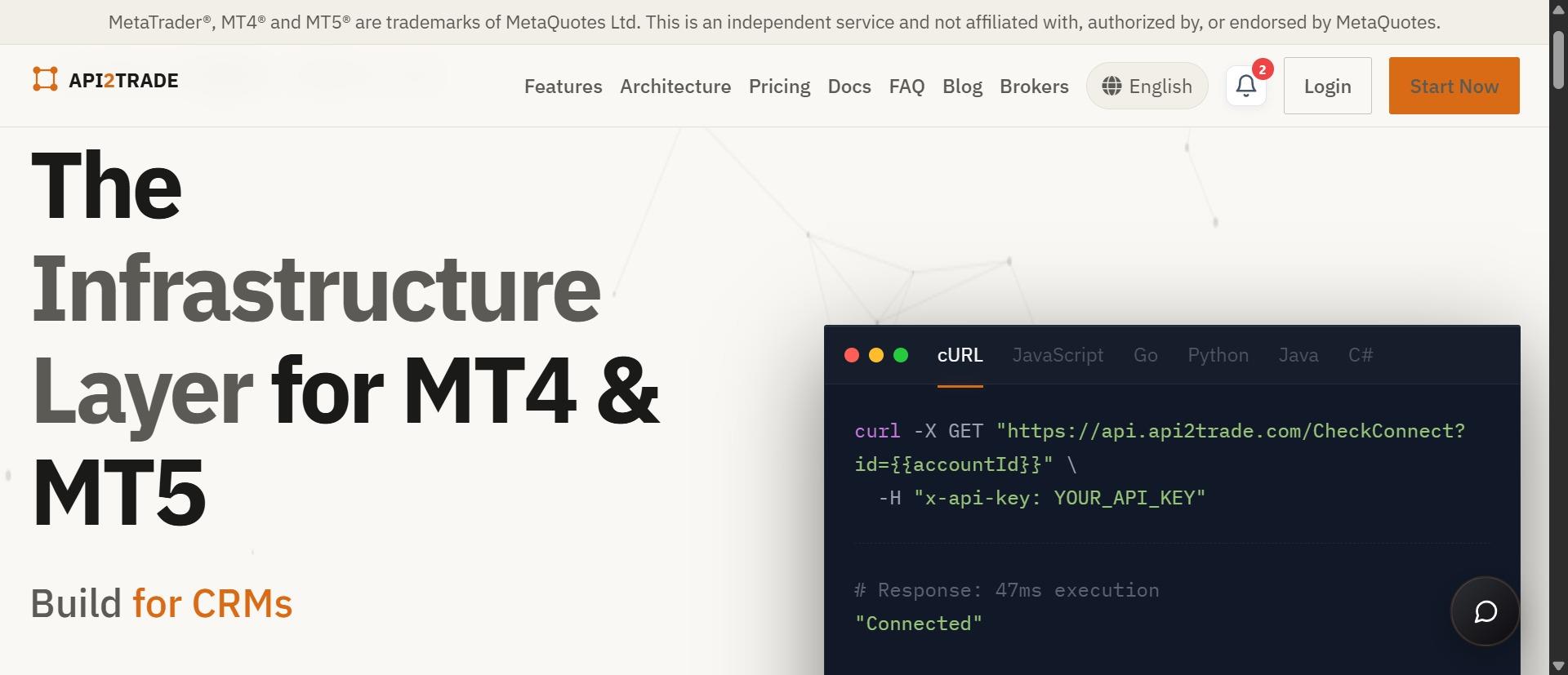
Make sure you are using the correct API when following their code examples.
As stated above, you can choose from different tiers of account plans. You can purchase the Single Account plan to connect to your MT4 or MT5 account. Or you can get MT4 and MT5 together in the Pro tier. All of which will give you access to account info, trading and WebSocket streams.
You may find API2Trade to be a good option if you want to budget API access by the number of connected customer accounts. Their larger tiers provide more accounts, but will be subject to the provider’s published fair-use conditions. Make sure to check their tiers to see which one works best for your needs.
4. mtapi.io – Check out their API offerings
mtapi.io has RESTful APIs for MetaTrader 4 and 5, where you can connect to accounts, get account info, place orders and subscribe to WebSockets.
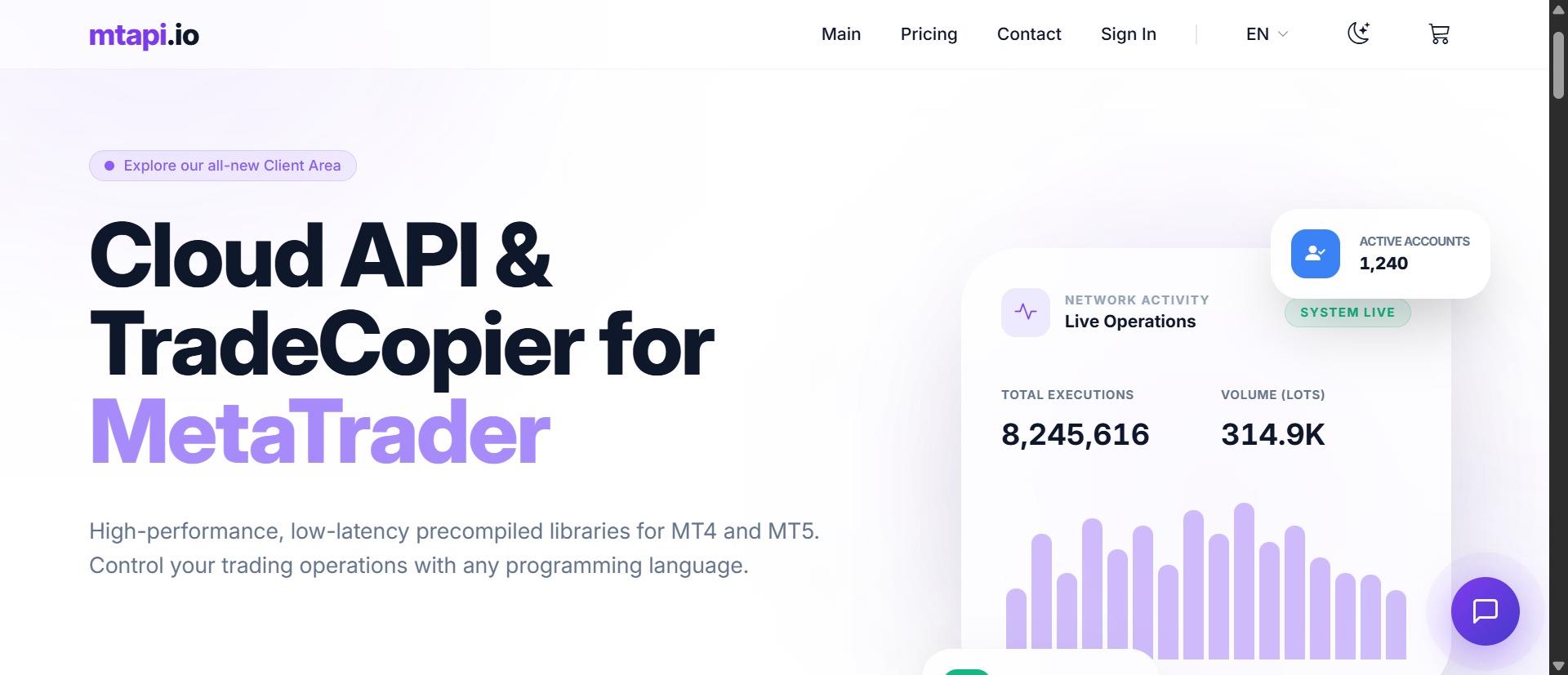
Their documentation provides instructions on how to connect to each platform, and you can even use their Docker commands and try a trial to run the APIs on your own server.
If you want to dig deeper into what each API has to offer, mtapi.io may be the one for you. They provide granular details on each command, such as ordering and subscribing to WebSockets.
However, you will need to setup and manage the deployment yourself if you decide to go this route.
Things to keep in mind
When you are ready to develop against a MT4 or MT5 API, there are a few things to ask yourself before getting started.
- Do you want a cloud based terminal? Or are you comfortable managing your own connection?
- Are you working with both MT4 and MT5? The official python library will only connect you to MT5, and the package on PyPI currently publishes Windows wheel files.
- Do you need to separate read only access from your trading credentials? Maybe you want to display your account data on a website, but keep your trading credentials secure.
- How do you plan to scale with the number of accounts you will be working with? Keep in mind the cost per account, how many connections you can make, streaming data, etc…
There was a post on r/algotrading that talked about using a local MT5 terminal versus an API. Someone mentioned they were able to send orders through Python, using AWS Lambda and MetaApi. So think about how you want to deploy your application, it may affect which API you choose to use.
Always test with a demo account and make sure you understand what symbols your broker uses, order types, etc… These can make a big difference when coding your application.
Conclusion
MetaApi provides a lot of extra features for developers, API2Trade is another option if you want to buy accounts at a time, and mtapi.io can be helpful if you want to see more detail on each API.
Overall, we highly recommend starting with FxSocket. They provide you with an easy way to interact with both MT4 and MT5, each account has a dedicated terminal, and you can work with one or many accounts in your application.