AI video tools often appear to solve the same problem because they all produce moving images. In practice, their workflows begin with different inputs and give the model permission to change different parts of the result. A tool that is fast for concept generation may be risky for a product correction. This comparison explains how text, images, references and existing footage affect control, review time and the kind of output each workflow can realistically deliver.
What Is the Main Difference Between AI Video Tools?
The main difference is what you provide as the source and how much of the final scene the tool is allowed to invent or reinterpret. More creative freedom usually means more details to review.
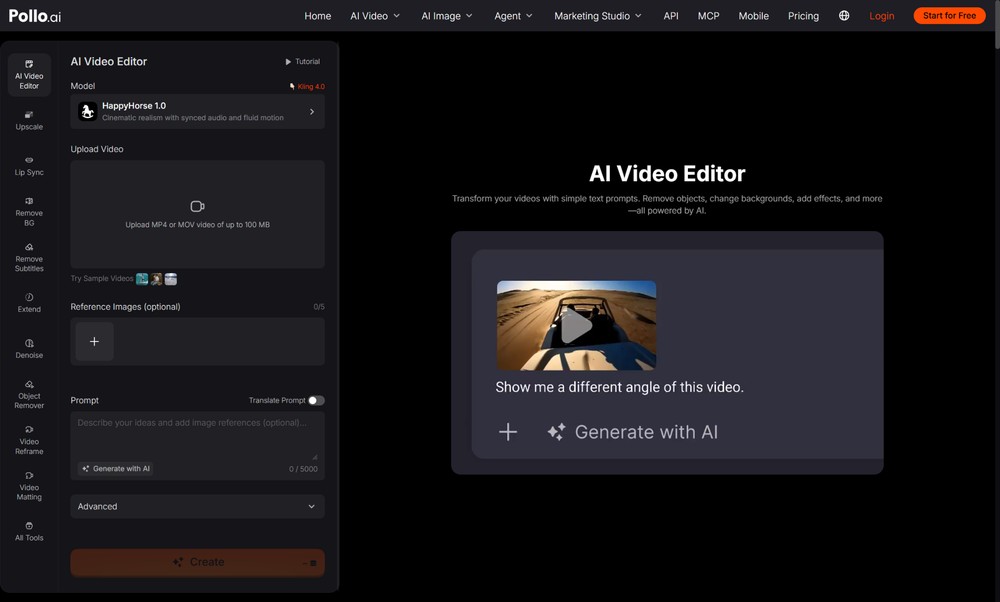
Use an AI video editor for existing footage when the source clip is already usable and one visual element needs correction. Pollo AI’s prompt-led editor can remove objects, replace backgrounds, change atmosphere, adjust appearance, add effects and request different camera treatments. Text-to-video starts from language, image-to-video animates a still, video-to-video broadly transforms footage, and reference-led workflows aim to anchor recurring subjects or products.
How Do Text-to-Video, Image-to-Video, Video-to-Video and AI Editing Compare?
Choose text or image generation for new shots, video transformation for a new overall look and AI editing for focused changes to an approved clip. The comparison below uses relative workflow speed rather than promising a fixed generation time.
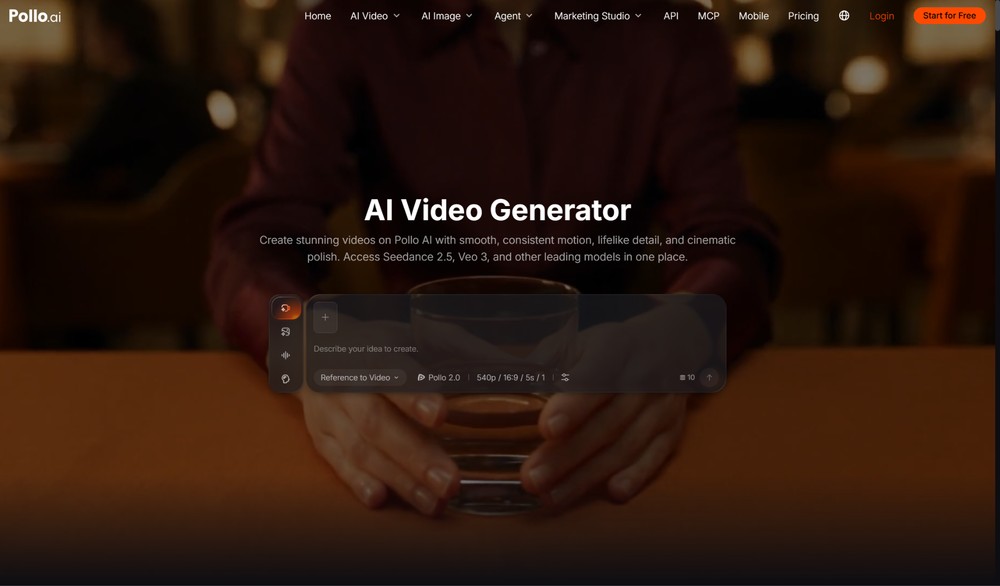
If you have no usable source and need to explore a scene from an idea, start with an AI video generator. The first output becomes material to evaluate, not automatically a finished asset. Once a source exists, select a more targeted workflow for the remaining problem.
| Workflow | Starting input | Control profile | Relative workflow | Best use case |
|---|---|---|---|---|
| Text-to-video | Written prompt | High concept freedom; lower identity certainty | Fast for exploration; more review | New concepts and impossible scenes |
| Image-to-video | Approved still image | Strong starting look; motion must be guided | Fast when the keyframe is ready | Product reveals and character moments |
| Reference-to-video | References plus instruction | More identity guidance; still needs continuity review | Extra preparation can reduce drift | Recurring products, people or characters |
| Video-to-video | Existing video | Preserves motion while changing broad style | Efficient for restyling; high review scope | Creative transformations |
| AI video editor | Existing usable video | Focused change with protected details | Efficient for local corrections | Cleanup, backgrounds, atmosphere and effects |
How Do You Choose an AI Video Workflow by Input?
Start with the strongest approved asset you already own because better input usually reduces unnecessary invention. Use this decision sequence.
1. Only a written idea is available. Use text-to-video for concept exploration, then treat the generated clip as a source that still needs factual and visual review.
2. A strong still image is available. Use image-to-video when the approved composition, product or character should define the first frame and motion is the missing element.
3. Several identity references are available. Use a reference-led workflow when recognisable subjects or products must carry across a new shot or sequence.
4. The motion is correct but the visual style is wrong. Use video-to-video when a broad restyle is intentional and the team can review the entire frame for drift.
5. The clip is mostly correct. Use an AI video editor for a named background, object, atmosphere, appearance, effect or camera issue.
6. The footage needs exact cuts, sound mixing or captions. Use a timeline editor for assembly and finish work, even if AI created or transformed the source clips.
Which AI Video Tool Gives the Most Control?
The most controlled workflow is the one that limits change to the actual problem and lets reviewers protect approved details. No single tool provides maximum control for every task.
A prompt editor offers practical control over a local visual correction, while a timeline editor provides exact control over cuts, audio and text. Reference-based generation may improve identity guidance but still allows new motion and scene details. Text-to-video offers the most freedom at the concept stage and therefore requires the broadest review. Control should be measured against the job: preserving a product label is different from choosing a camera mood for an imaginary landscape.
Does the Fastest AI Video Tool Save the Most Time?
The fastest first generation does not save time when the output creates more review, correction or legal work later. Measure the full workflow from input preparation to approved export.
A text prompt may create a concept quickly, but identity drift can make a multi-shot campaign slower. Preparing a clean product image or reference pack takes longer at the start but may reduce retries. Editing an existing clip is efficient only when the source is already correct. Include upload preparation, prompt revision and stakeholder review in the comparison. Track preparation, generations, rejected outputs, manual cleanup and approval rounds instead of comparing one advertised render time.
Ready to Choose an AI Video Tool in Pollo AI?
Choose the workflow that begins with your strongest input and changes only what the final asset actually needs. Use Pollo AI Video Editor for focused repairs to existing footage, broader generation tools for new scenes and a timeline for exact assembly. A small representative test will reveal the real balance of control, speed and review effort before you scale the workflow across a campaign.