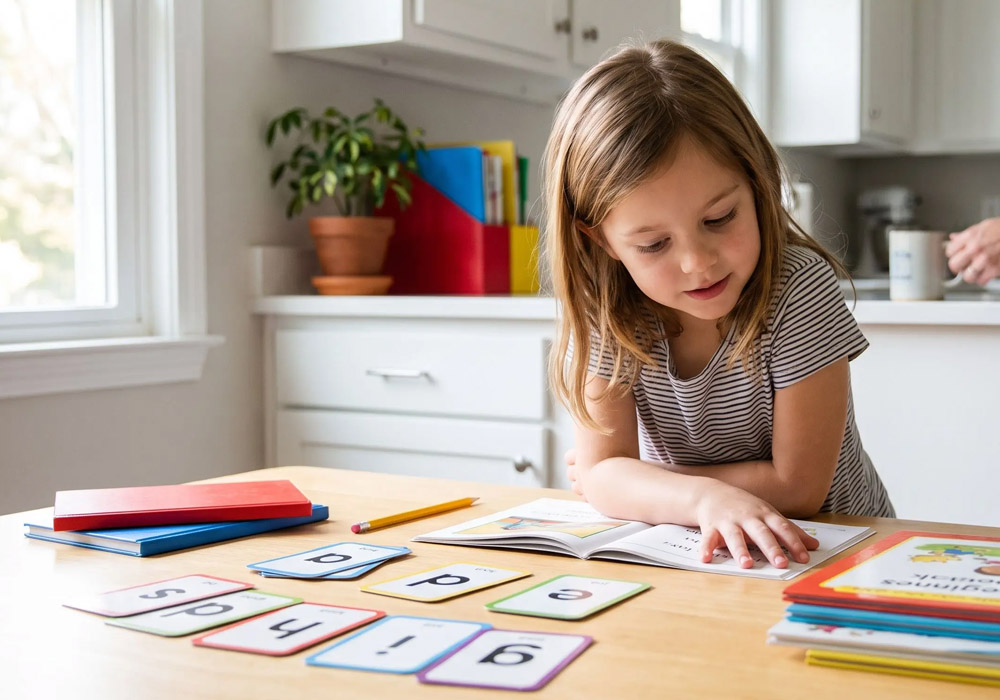
Your kid can beat a boss level in Minecraft and still stumble over the word “because.” That gap isn’t laziness. It’s the difference between a game that rewards button reflexes and one that asks a brain to hold a sound, match it to a letter, and do it again tomorrow.
The fix most families reach for is a subscription. Somewhere in your inbox there’s a free trial you forgot to cancel, or a district login nobody explained. And here’s the honest part: swiping through an app for 20 minutes a day can build real skill, or it can build a very polished habit of tapping the prettiest answer. The program decides which.
If you’re comparing options, the smartest move is to look for learn to read programs that start with an assessment and adjust from there, rather than handing every child the same starting lesson. That single feature tells you more about a program than any animated mascot ever will. Below is the framework I’d use to sort the good ones from the ones that just feel educational.
Start With Placement, Not With Grade Level
Grade level is an administrative label. Reading level is a living thing. A second grader can decode like a fourth grader and still freeze on multi-syllable words, and a fifth grader can read fluently while missing half the meaning.
So the first question you ask any program is simple: what happens on day one? A serious tool runs a placement check that maps your child to a starting point, then keeps re-testing quietly as they work. A weak tool drops them into lesson one and hopes for the best.
That matters because the federal Department of Education has long emphasized that early literacy instruction works best when it meets students where they actually are. You don’t need a research review to apply that. You need to watch the first session and notice whether the material feels too easy, too hard, or right at the edge of a stretch.
Here’s my bias, stated plainly: if a program can’t tell me my kid’s starting level within the first 15 minutes, I’m out. Adaptive placement is the difference between tutoring and shelfware.
The Four-Question Filter I Use Before Paying
Forget the feature list. Every reading platform brags about its library of stories and its parent dashboard. Ask these instead, in this order.
- Does it teach sounds and letters explicitly? Look for phonics work built into the lessons, not buried in an optional module.
- Does it re-teach after a wrong answer? A program that moves on after a miss is measuring, not teaching.
- Can my child work without me hovering? Independent practice is the whole point of a home subscription. If you have to narrate every screen, you’ve bought yourself a second job.
- What does the parent see? You want a report that names specific skills, not a streak counter that celebrates minutes logged.
That last one separates real products from engagement traps. Watch how your kid reacts when they get something wrong. If the screen shrugs and moves on, so will they. If it backs up and explains, you’ve found something worth the money.
Why the Age Band Changes Everything
A preschooler learning letter sounds and a seventh grader grinding through a science textbook need completely different software. Treating “reading program” as one category is how families end up with a five-year-old staring at a middle school interface, or a twelve-year-old insulted by cartoon puppets.
For the early grades, you want phonemic awareness, letter recognition, and simple decodable text. For older students who are still catching up, you want age-appropriate passages that don’t feel babyish, plus vocabulary and comprehension work that respects their intelligence. The National Association for the Education of Young Children is a reasonable starting point if you want to understand what developmentally appropriate practice looks like at the younger end of that range.
My stance: don’t force a struggling middle schooler into a program built for first graders. The skills might match, but the dignity won’t. Find a track designed for older readers and the resistance drops fast.
A Ten-Minute Weekly Routine That Actually Holds
Programs don’t teach kids. Routines do. Here’s the setup I’d run in my own house, and it takes less effort than you’d think.
- Pick a fixed slot. Same time, same chair, most days. Twenty minutes beats an hour on Sunday.
- Let them drive the first five minutes. Choice builds buy-in, even when the choice is just which story.
- Stay nearby but quiet. Answer questions with “what sound does it start with?” instead of the word itself.
- Check the report every Friday. Pull one specific skill and ask about it out loud. “Show me a word with a silent e.”
- Celebrate the struggle, not the score. Notice when they try a hard word. Skip the prize charts.
Keep a sticky note on the fridge with the current skill. It sounds fussy, and it takes ten seconds. But it turns a subscription into a conversation, and kids notice when you’re paying attention to the thing they’re grinding at.
Reading Off the Screen Still Counts, With a Catch
Screens get blamed for a lot, and some of it is fair. But the research consensus is that what a child reads matters more than the glass it appears on, so don’t feel guilty about a good digital library. The catch is what happens after.
Add a paper book to the week, always. Public domain classics are free and legal to download through Project Gutenberg, and flipping physical pages gives a different kind of practice than swiping. My rule: one screen session, one paper session, every single day. The screen teaches the mechanics efficiently. The paper builds stamina. You need both.
When the Program Isn’t Working
After about six weeks, you’ll know. Signs it’s time to change something: tears before every session, the same lesson on repeat, or reports that never change. Before you cancel, try three things. Shift the time of day. Cut sessions to ten minutes. Sit beside them for a full week.
If none of that moves the needle, ask the program’s support team for a placement reset. Sometimes the level is wrong, not the child. Sometimes the tool is genuinely a bad fit. Both answers are useful, and neither one means you failed.
What You’re Really Buying
A reading subscription isn’t a curriculum you hand off. It’s a practice engine that works only when a grown-up notices what’s happening and adjusts around it. The best program in the world will stall in a house where nobody checks the report. A mediocre one will produce progress in a house where somebody does.
So start with the placement question. Filter for explicit phonics, real re-teaching, and honest parent reports. Then build the boring little routine around it and give it six weeks. That’s the whole game, and it’s more than most families ever try.
One last thing to sit with: what would your child’s reading life look like a year from now if you only ever changed the twenty minutes after dinner? Pick the slot, pick the program, and see what happens.