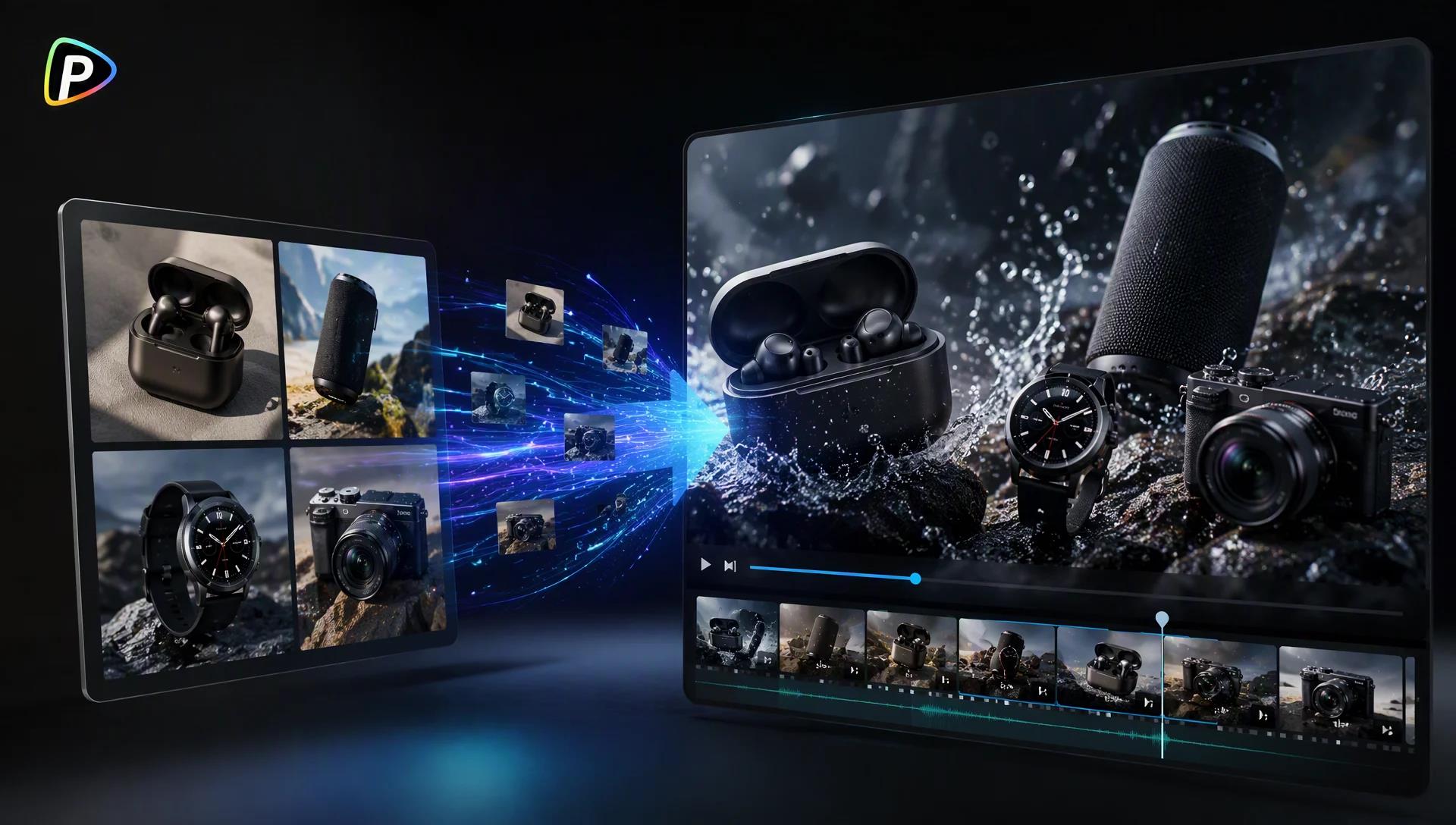
Many small businesses already have decent product photos but not the budget or time for a full video shoot. Turning those photos into a short launch video can be a more practical option.
Seedance 2.0 on Pollo AI can use a product image as the starting point, with prompts and additional references to guide the scene and camera movement. The result still needs checking and editing, but the workflow is fairly straightforward.
Why Use Seedance 2.0 for Product Launch Videos?
A launch video doesn’t have to show every product feature. In many cases, a few shots are enough: introduce the product, show one or two details, then finish with a clear product shot.
Seedance 2.0 is useful here because the product image can act as the visual reference instead of having the model invent the product from text. Additional images or videos can then help define the setting, movement, or overall direction.
That can be useful for a new product that needs a few social clips but doesn’t justify a dedicated video shoot yet.
Why Try Seedance 2.0 on Pollo AI?
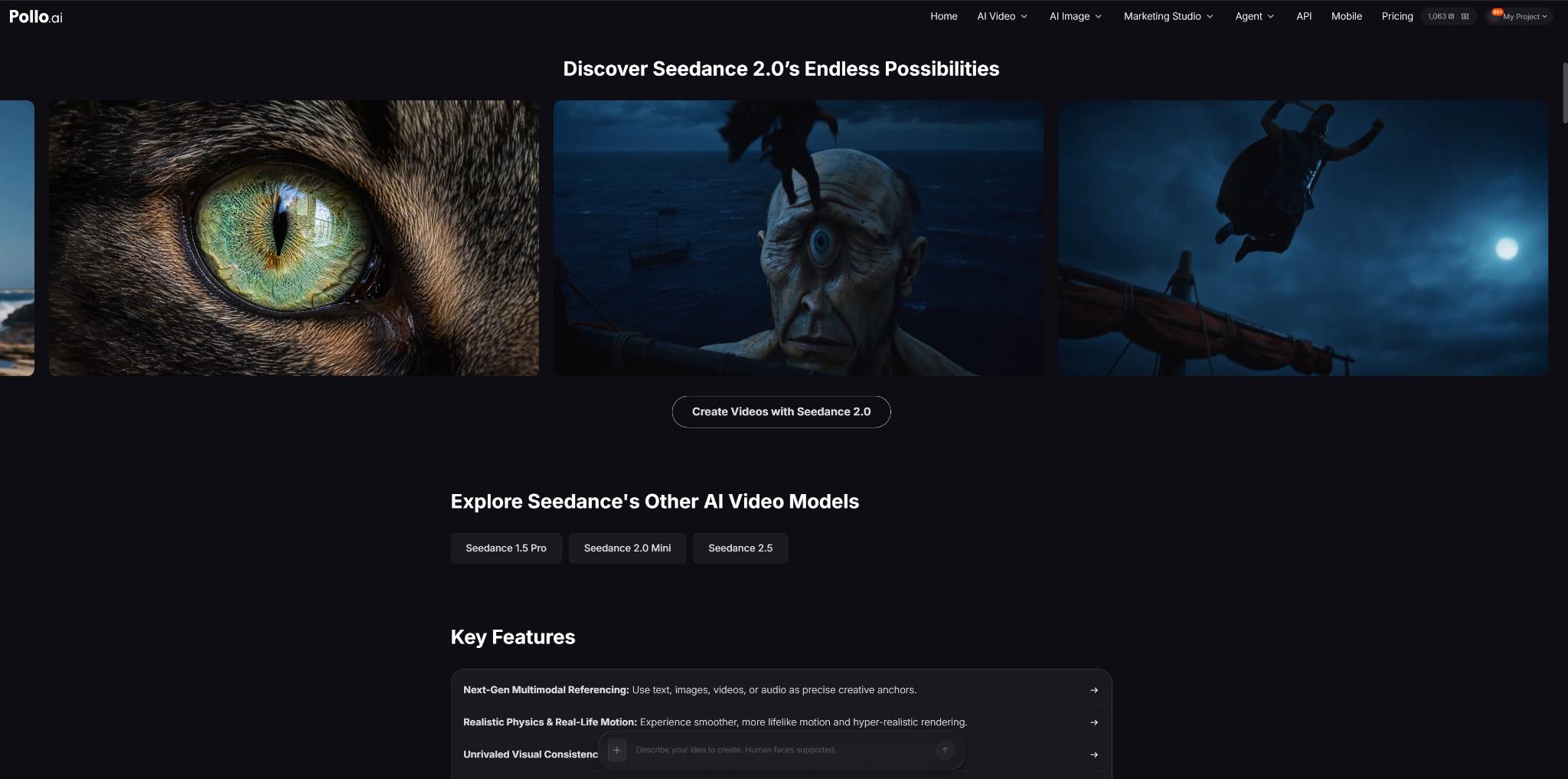
Pollo AI is the ultimate AI creative suite for marketers and creators, bringing AI tools for images, videos, and creative production into one workflow.
The main benefit of using Seedance 2.0 on Pollo AI is having more of the workflow in one place.
A product image can be generated or adjusted before video generation, while the resulting clip can be edited or optimized afterward. This is useful for small teams or solo sellers who would otherwise need several separate tools for basic production work.
Pollo AI also provides access to other video models. For example, a clip generated with MiniMax H3 on Pollo AI can be used as a reference for Seedance 2.0 if a particular motion or visual idea is needed.
That said, using multiple models doesn’t automatically produce a better result. It is mainly useful when one model gives a reference or starting point that another model handles better.
How to Create a Product Launch Video with Seedance 2.0 on Pollo AI
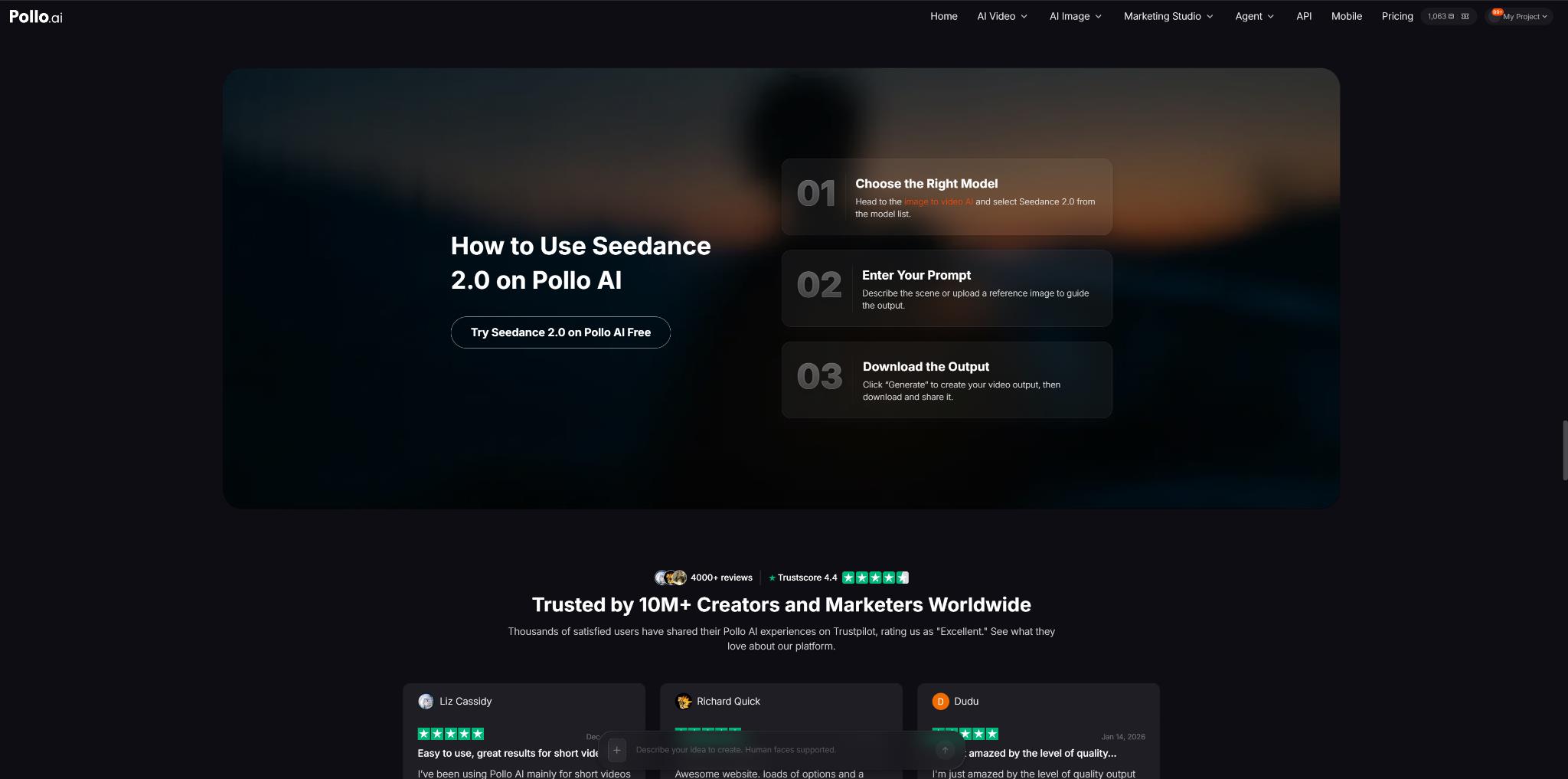
1. Open Seedance 2.0 and choose Image to Video
Open Seedance 2.0 on Pollo AI and select the Text/Image to Video workflow.
Start with the clearest product image available. A full, sharp product shot is easier to work with than a heavily cropped image or one where the product is partly hidden.
If the existing photo isn’t suitable, it can be cleaned up or adjusted first instead of trying to fix a poor source image during video generation.
2. Add the product image and only the references that matter
Upload the main product photo. Add other references when they solve a specific problem.
For example, a lifestyle image can show the type of environment wanted for the launch. A short reference video can provide an example of the camera movement.
The references don’t need to match perfectly. They just need to make their purpose clear. Uploading several images with different products, styles, or compositions can make the output less predictable.
3. Describe what should happen in the shot
Avoid relying on prompts such as “Make a cinematic product launch video.” They leave too much open.
A more useful prompt describes the actual shot:
“Start with a close-up of the product on a clean desk. Slowly pull the camera back as the product rotates. Move to a wider lifestyle shot, then finish with a close-up of the product. Keep the product shape, color, and visible details consistent.”
The important parts are the action, camera movement, setting, and product appearance. If the scene becomes too complicated, remove some of the movement rather than adding more descriptive words.
4. Generate the video and check the product carefully
Don’t judge the first result only by how good the overall footage looks.
Check the product itself: its shape, color, logo, packaging, buttons, and other recognizable details. AI-generated footage can look convincing while still changing small parts of the product.
If the product changes noticeably, try a simpler prompt or fewer actions. A short, controlled shot is often easier to fix than a single clip containing several scenes.
5. Edit the usable result instead of regenerating everything
Once there is a workable clip, use Pollo AI’s editing or optimization tools for the remaining adjustments where appropriate.
For a longer sequence, extending an existing result may make more sense than generating the whole video again.
If a specific motion is difficult to describe, another option is to create a reference clip with MiniMax H3 on Pollo AI and use it as a reference for the Seedance 2.0 generation. This is optional, not a requirement for every project.
Tips for Getting Better Product Launch Videos
Getting a good first draft is usually more realistic than expecting a perfect first generation. That’s normal with AI video. A few rounds of adjusting the prompt, references, or camera movement are often part of the process.
Start with a clear product image. A sharp photo with the full product visible gives the model a better reference and makes later adjustments easier.
Keep the prompt and references focused. If the product changes shape or details, try simplifying the scene or reducing the number of actions before changing the whole setup. Small adjustments can often fix a result that is already close.
It’s also worth checking logos, packaging, buttons, and other fine details. AI-generated text can still be inconsistent, so important pricing, claims, CTAs, or fine print are better added during editing.
The goal isn’t to get everything right in one generation. Generate, check, adjust, and keep the version that works. That’s usually a more practical way to use AI video than trying to write one huge prompt and hoping for a perfect result.
Final Thoughts
For businesses that already have product photos, Seedance 2.0 offers a way to test launch-video ideas without starting with a traditional video shoot. It works best when the product reference is clear and the requested scene is kept under control.
There are still limits. Product details can change, generated text may be unreliable, and more complicated sequences can require several attempts. For quick launch concepts and social content, that trade-off may be reasonable. For highly controlled brand campaigns, traditional production or manual editing may still be the better choice.